





 Contact us
Contact us
Contact us
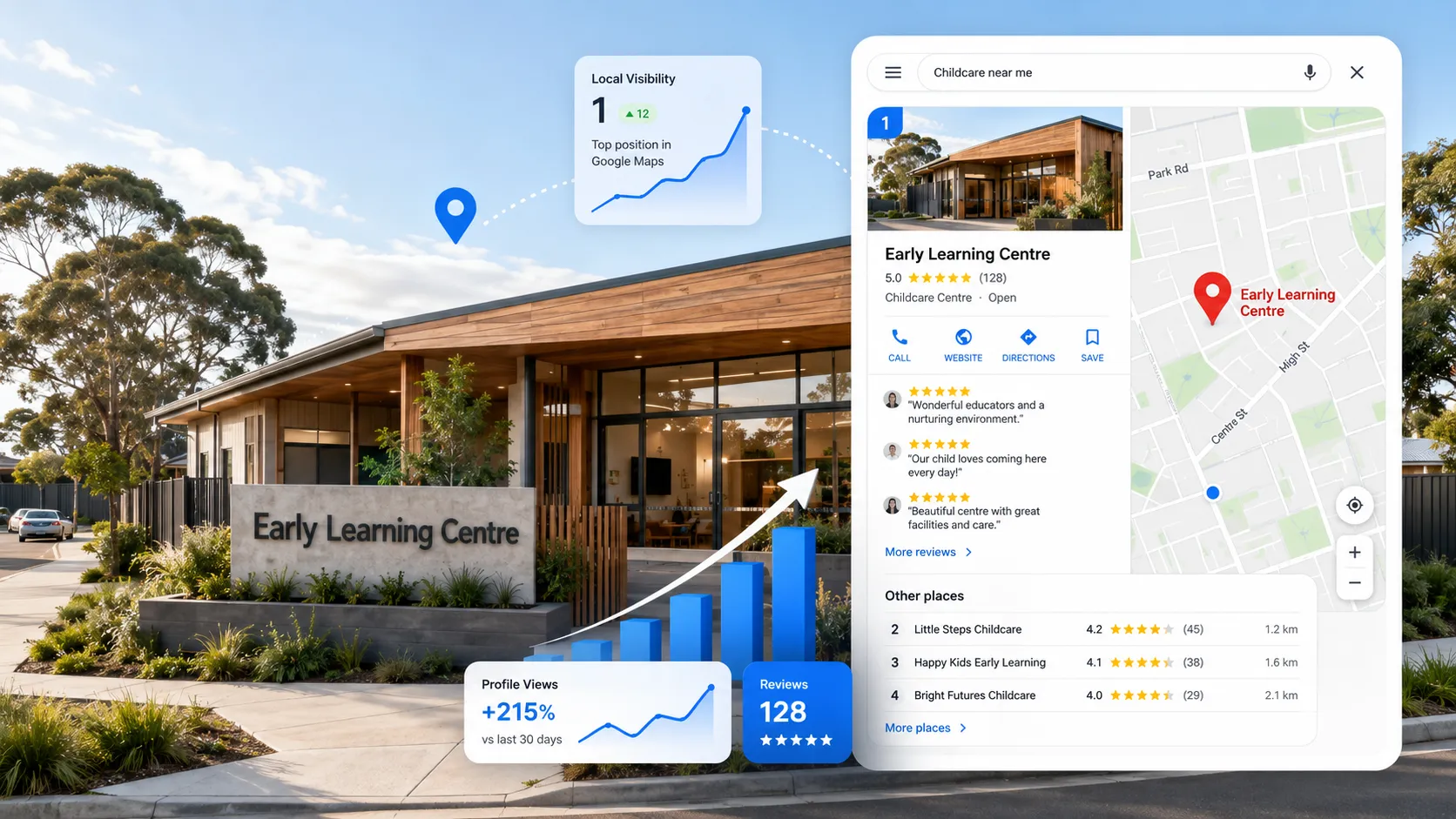
A childcare SEO agency should help your centre rank in Google Maps and turn local search into enrolment enquiries. That starts with small business SEO basics: Google Business Profile optimisation, accurate centre details, useful location pages, reviews and a clear path from search to tour booking.
For childcare centres, local business SEO isn’t about chasing traffic for a monthly report. It’s about generating qualified enquiries, booking more centre tours and lowering your cost per enrolment.
Families rarely begin with a centre name.
They search near home, work, school or the route they travel each day. Google Maps then helps them compare locations, hours, reviews, photos and websites.
When your listing is missing or incomplete, you lose the enquiry before the parent reaches your website.
Childcare is a local decision.
Families need a centre that works with home, work, school runs and daily travel.
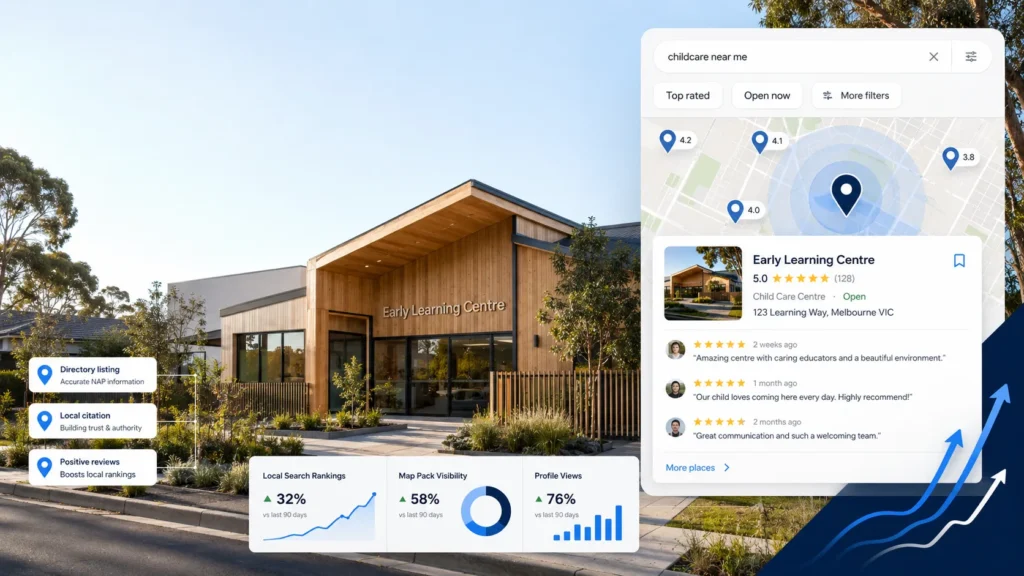
A verified Google Business Profile controls how your centre appears across Google Search and Maps. Parents can check your address, hours, phone number, website, photos and reviews before opening a centre page.
Australia’s official Starting Blocks childcare search tool also lets families find nearby services, compare centres and build a shortlist. It includes National Quality Standard information for most services.
Google Maps sits near the start of this research process. But visibility isn’t the final result.
You need to measure:
A higher Maps position means little when the profile sends parents to a weak website or an ignored form.
Google ranks local businesses using relevance, distance and prominence. Relevance shows how well your centre matches the search. Distance reflects where the parent is searching from. Prominence draws on reviews, links and your wider online presence. You can’t control distance, but you can strengthen relevance and prominence.
Start with:
These signals support each other.
Changing one field in your profile won’t fix a weak local search setup.
| Component | Local SEO role | What the parent gets | Commercial measure |
|---|---|---|---|
| Google Business Profile | Creates local visibility | Immediate centre details | Calls and website visits |
| Reviews | Builds trust and prominence | Feedback from other families | Enquiry conversion |
| Centre page | Confirms local relevance | Answers location questions | Tour bookings |
| CRM and follow-up | Records and routes the lead | A prompt response | Tours and enrolments |
Your Google Business Profile is often the first detailed view a parent gets of your centre.
Treat it as part of your enrolment process. Don’t treat it as a static directory listing.
Confirm that every centre profile is verified and owned by the right organisation.
Don’t leave a profile tied to a former employee’s personal email account. Use a company-controlled Google account. Then give access to approved team members.
Multi-centre operators should keep one central record of each profile, owner and manager.
This protects access when staff leave or roles change.
Your profile should match the centre page and other trusted childcare listings.
Check:
Google advises businesses to keep their information complete and accurate. It also recommends current photos and responses to reviews.
Don’t add suburb names, keywords or marketing claims to your business name unless they form part of the real trading name.
Your primary category tells Google what operates at the location.
Choose the category that best describes the centre’s main service. Add other categories only when they describe real programs.
Long day care, kindergarten and preschool programs match different searches.
Use the same clear terms on your profile and centre page.
Parents need enough visual detail to decide whether your centre belongs on their shortlist.
Add approved photos of:
Use clear, recent images. Remove photos that no longer reflect the centre.
Real centre photos show families what they can expect during a tour.
Each Business Profile should link to its matching centre page.
Don’t send every location to a generic homepage. A parent searching for childcare in Preston should land on the Preston centre page.
Add a UTM-tagged website link to each profile. This separates Business Profile visits from other organic traffic in GA4.
Use call tracking where it suits the centre. Connect visits and calls to enquiries, tours and enrolments in your CRM.
Without this setup, you can see activity but not the result.
Google says review volume and positive ratings can support local prominence. Useful replies also show that a business responds to its customers.
For childcare centres, reviews have two jobs.
They build your public reputation. They also give prospective families direct feedback from other parents.
Build a clear review process instead of relying on educators to remember.
Ask for genuine feedback after a suitable parent interaction, such as orientation or positive feedback. Give the parent a direct review link or QR code.
Never offer an incentive. Don’t ask only for positive ratings.
Respond to each review in a calm and useful way.
A good reply should:
Don’t fill review replies with childcare keywords.
Write for the family reading the response.
Track review growth by centre. A strong profile at one location won’t fix weak trust at another.
Google Business Profile optimisation can’t carry the full strategy.
Your website must confirm the profile information. It also needs enough local detail to match searches such as:
Create one useful page for each physical centre.
Every centre page should include:
Don’t copy one page and change the suburb name.
A generic page gives parents no clear reason to choose that centre. It also gives Google weak information about the location.
Write about the real centre.
Name the rooms, programs, facilities and practical details that local families need.
That is useful SEO for local business. Mass-produced suburb pages aren’t.
Google uses information from across the web when it assesses local prominence.
Your website and Business Profile need to show the same centre details.
The centre’s name, address and phone number should match across:
Run a location audit for every centre.
Fix old phone numbers, former addresses and duplicate listings.
Small errors become larger problems when they spread across several platforms.
Link every centre page from your main navigation or locations page.
Use a clear page title and one descriptive H1. Add the centre name and suburb naturally.
Then check that Google can find and index the page.
Use Google Search Console to spot indexing problems.
Each centre page should:
Any structured data should describe the real organisation and physical location.
Don’t add markup for centres or services that don’t exist.
Relevant local links help Google connect your centre with its community.
Useful sources include:
Don’t buy bulk directory links.
Build accurate references from organisations that have a genuine link to the centre or local area.
Parents can move from Maps to your website with one tap.
A slow or confusing mobile page wastes that visit.
Each centre page needs:
Ask only for the details your team needs to start the conversation.
A long form gives the parent more work before your centre has earned their trust.
A conversion-focused childcare website turns local visibility into a clear next step. Hills Media’s Conversion Website service includes mobile-first development, enquiry forms, booking integrations and SEO foundations.
Don’t judge your performance from one search inside the centre office.
Maps results change based on the searcher’s location. One result can’t show your full service area.
Measure visibility from several points around the centre.
A local rank-grid tool shows where the centre appears and where rankings fall.
Then connect visibility to:
This shows whether the problem sits in SEO, website conversion or follow-up.
Low visibility points to a local search gap.
Strong visibility with few enquiries points to the website or offer.
Plenty of enquiries with few tours points to lead quality or follow-up.
Fix the bottleneck before you chase more traffic.
Every physical centre needs its own accurate Business Profile, centre page and reporting view.
Central control prevents access problems and mixed information. Centre-level reporting shows which location needs work.
Keep one central register with:
Don’t let each centre manage this information in a different way.
A central process protects access and keeps details consistent. Performance data should still stay separate for each centre.
One strong location can hide poor rankings, weak reviews or slow follow-up at another.
Each part of local SEO has a commercial job.
Your Business Profile puts the centre in front of local families. Reviews build trust. The centre page answers practical questions. The website captures the enquiry.
Your CRM records the source and sends the lead to the right person.
An automatic confirmation tells the parent that the enquiry arrived. Your enrolment team then follows up and books the tour.
Reporting connects the original search to the enquiry, tour and enrolment.
Break one part and the result suffers.
More visibility won’t fix a poor tour-booking page. Better rankings won’t reduce cost per enrolment when no one tracks which leads become families.
Small business SEO shouldn’t sit alone as a monthly marketing task.
Local SEO services for small business need to connect search activity to enquiries, sales and revenue.
Start with manual searches from several parts of the centre’s service area.
Use terms such as:
Then check the full lead path.
Confirm that the profile is verified, accurate and complete.
Review:
Check for duplicate profiles. Confirm who owns and manages each listing.
Look at the centres appearing in the local map pack and local finder.
Compare their reviews, photos, centre pages and local information.
Find the specific gap. Don’t copy their wording.
Make sure each page contains real location information and a clear tour-booking action.
Test the page on a phone. Submit the form yourself.
Confirm that the enquiry reaches the right person and records the correct source.
Find out where each enquiry goes, who receives it and how fast the family gets a response.
A lead sitting in a shared inbox isn’t a lead system.
You should be able to report:
Rankings diagnose visibility.
Commercial metrics show whether the work is producing enrolments.
When problems run across your profiles, website, CRM and follow-up, local SEO alone won’t fix the full issue.
A childcare SEO agency improves how each centre appears in local search. It then tracks whether that visibility produces enquiries, tours and enrolments.
The work can include:
The agency should also tell you which problem it is fixing.
A centre with weak Maps visibility needs different work from a centre that ranks well but loses parents on a slow mobile page.
The job is to find the bottleneck, set the order of work and connect each task to an enrolment result.
The right choice depends on your number of centres, the problems you need to fix and the time available inside your team.
| Area | Internal management | Generic local SEO provider | Childcare SEO specialist |
| Best fit | A centre with clear ownership and enough staff time | A local business needing basic profile and website work | A provider with centre-specific enrolment and reporting needs |
| Business Profiles | Updated by the centre team | Profile optimisation can be included | Includes access, control and centre-level tracking |
| Centre pages | Depends on internal writing and web support | Local landing pages can be included | Reflects each centre’s programs, facilities and tour path |
| Measurement | Depends on internal systems | Can focus on rankings and traffic | Connects visibility to enquiries, tours and enrolments |
| Multi-location work | Can become inconsistent | Can use one process across locations | Sets priorities for each centre |
| Lead follow-up | Managed separately | Usually outside SEO scope | Reviewed as part of the conversion path |
Providers don’t always fit one category.
Ask what the proposal includes. Confirm who owns the assets, what gets reported and what happens after an enquiry arrives.
A childcare SEO agency should show where leads come from, where families drop out and which centre needs attention first.
Hire specialist support when local search gaps are costing you enquiries and your team can’t fix them in a consistent way.
Warning signs include:
You can manage basic profile updates internally when one person owns the work and has enough time.
You don’t need an agency when your centre information is accurate, your website converts well and your team tracks each lead through to enrolment.
Document the process and review it often.
The problem starts when no one owns the full system.
Generic advice about SEO for local business misses the handover between visibility and enrolment.
Getting found is only the first step. Your centre still needs to convert the parent.
The order of work matters.
The timing will depend on the number of centres and the problems found during the audit.
Day 90 isn’t the finish line.
Centre information, competition, reviews and vacancies change. Your local search setup needs regular checks.
Hills Media doesn’t treat rankings as the final result.
Our Childcare Marketing Systems connect local SEO, centre pages, enquiry forms, CRM, follow-up automation and reporting.
This shows you:
The bottleneck decides the work.
Some centres need stronger Google Maps visibility. Others already get traffic but lose families through a weak website, long forms or slow follow-up.
We diagnose the system before deciding what to optimise.
That review can cover website conversion, cost per lead, lead conversion, follow-up speed, channel tracking and points where revenue is leaking.
When the problem goes beyond local SEO, a Full Lead System connects acquisition, conversion, CRM, automation and reporting.
Hills Media works without lock-in, and you own the work.
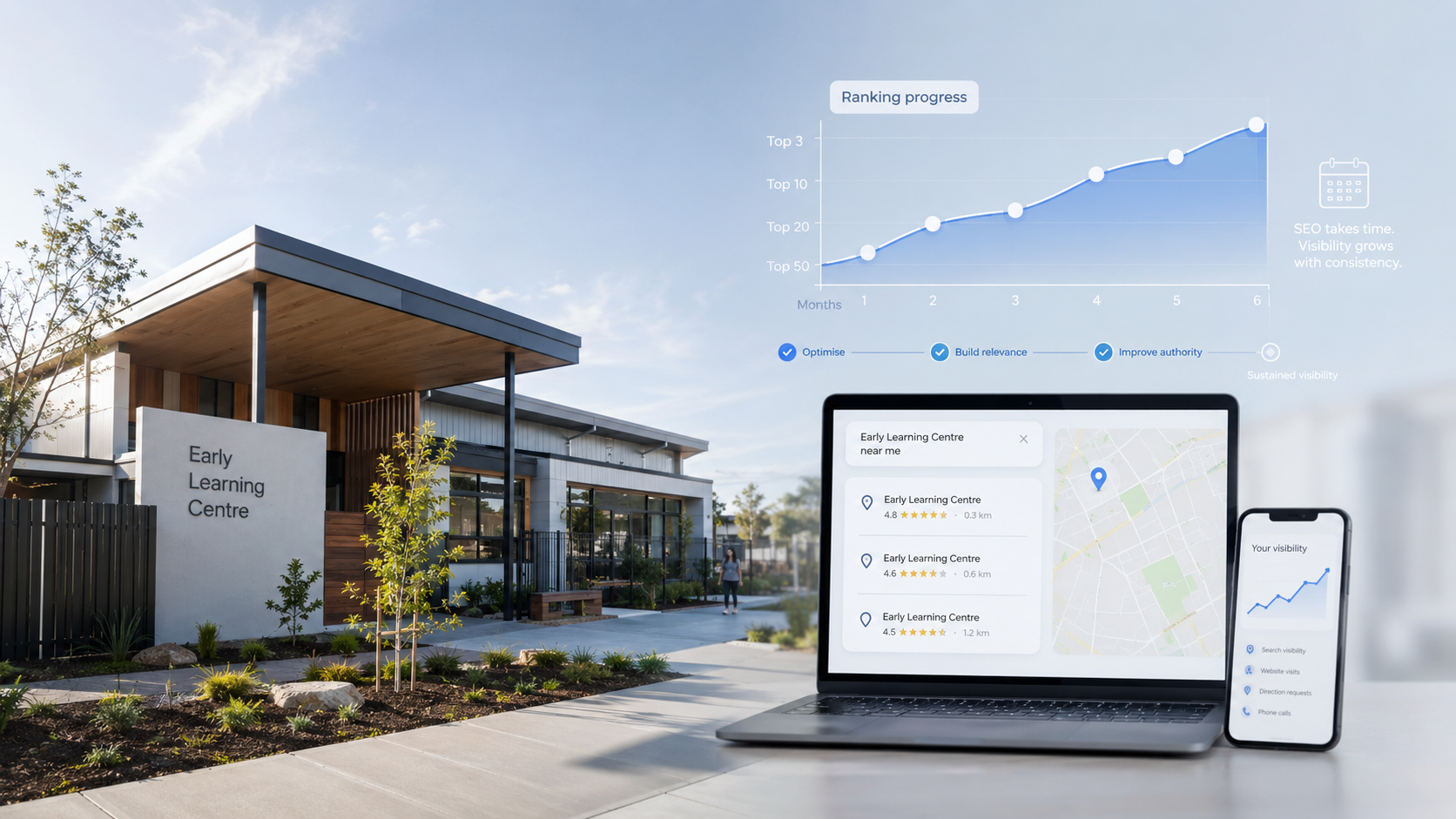
Timing depends on your current visibility, website quality, reviews, competition and technical problems.
Profile corrections can happen before content and local authority work. No provider controls when Google reassesses each signal.
Ask for a clear work order, not a guaranteed ranking date.
Cost depends on the number of centres, competition, website condition, content needs, tracking and ongoing management.
Compare proposals by scope and measurement.
A low fee is poor value when the work stops at rankings and never connects to tours or enrolments.
A centre can appear for searches outside its suburb, but distance remains part of Google’s local ranking system.
Focus first on locations the centre genuinely serves.
Strong relevance and prominence support wider visibility. SEO can’t remove distance from local results.
There is no useful universal target.
Compare your profile with nearby centres. Focus on steady, genuine feedback from families.
A clear review process and useful replies matter more than a short burst aimed at a set number.
Basic work can stay internal when one person owns profile accuracy, reviews, page updates and reporting.
Specialist support becomes useful when you manage several centres, face technical problems or can’t connect rankings to enrolment outcomes.
Reporting should cover local visibility, Business Profile actions, qualified enquiries, tours, enrolments, response time and conversion rates.
It should also show cost per enquiry and cost per enrolment where spend data is available.
Rankings help find the problem. They shouldn’t be the only result in the report.
Higher rankings matter only when they produce qualified enquiries and centre tours.
Your centre has a visibility problem, a website problem or a follow-up problem. Without tracking, they all look like an SEO problem.
Book a Lead System Audit to find where your Google Business Profile, centre pages, enquiry process and enrolment follow-up are losing opportunities.